Note
Go to the end to download the full example code.
Creating and handling meshes 1
Unstructured meshes (with triangular cells) for CRTomo can be created in various ways. We now support two ways:
using the
crtomo.crt_grid.create_surface_grid()functionusing the command line command
cr_trig_createthere is a new (2026) interface to
cr_trig_create,crtomo.mesh_interface.CRTomoGMSHMeshGenerator. Please refer to the corresponding example for more information: Creating meshes with the mesh_gen object
This example only shows the usage of the first approach.
Note
The CRTomo documentation is inconsistent in the use of the terms mesh and grid. Usually, a grid refers to a mesh with regularly spaced node locations in x and z direction. CRTomo also supports triangular meshes, which are still referred to as grids throughout the code and documentation.
The top level crtomo import suffices for most tasks
import crtomo
Create a simple surface mesh using the following wrapper
mesh0 = crtomo.crt_grid.create_surface_grid(
   nr_electrodes=10,
   spacing=1.5,
)
mesh0.plot()

# number the electrodes (useful for numerical studies)
mesh0.plot_grid(plot_electrode_numbers=True)

# save this grid to disc
mesh0.save_elem_file('elem.dat')
mesh0.save_elec_file('elec.dat')
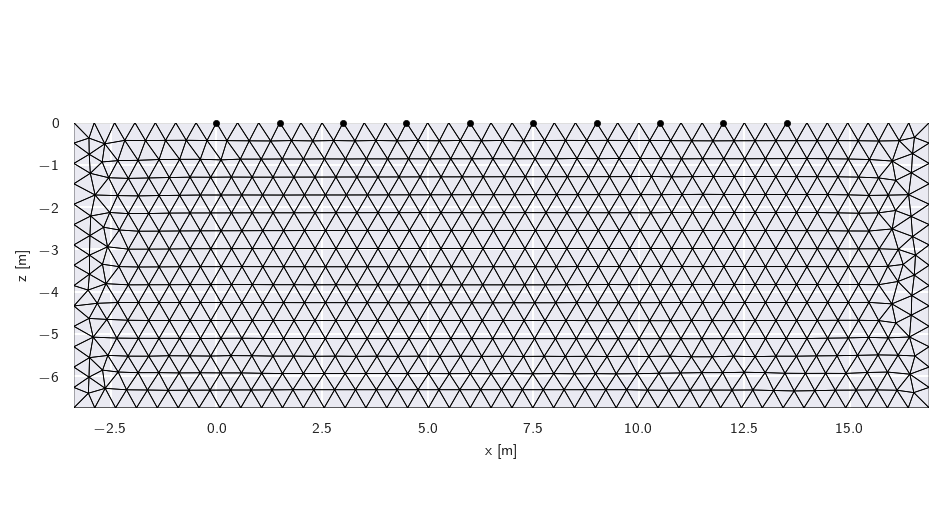
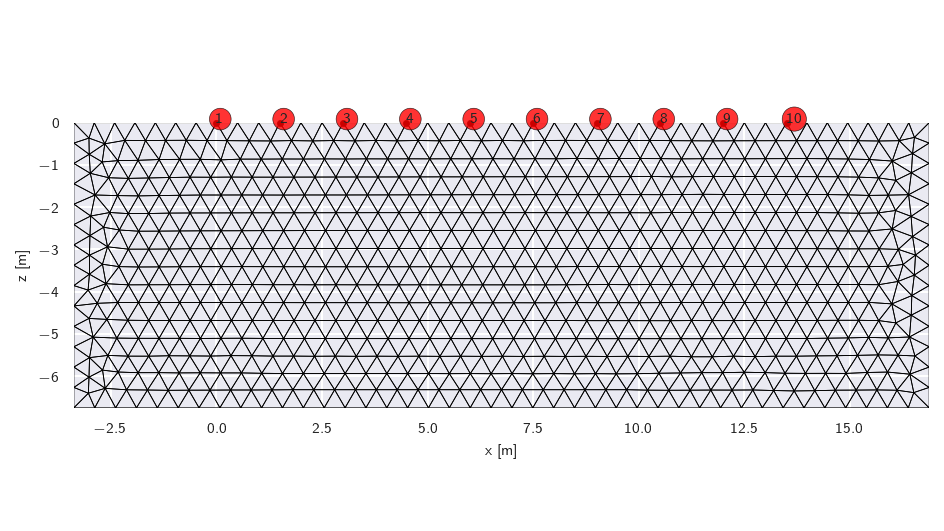
This grid was sorted using CutMcK. The nodes were resorted!
Triangular grid found
The mesh can be read from disk:
mesh1 = crtomo.crt_grid('elem.dat', 'elec.dat')
print(mesh1)
mesh1.plot()
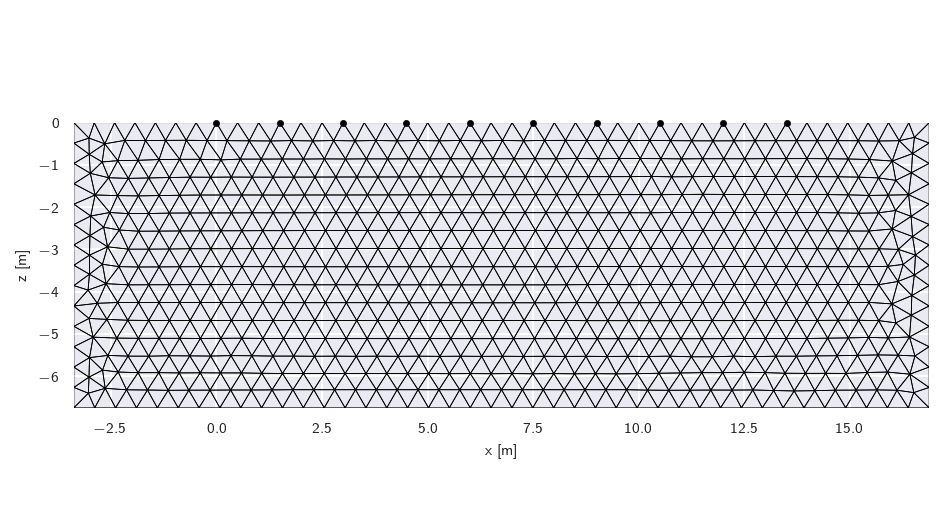
This grid was sorted using CutMcK. The nodes were resorted!
Triangular grid found
CRMod/CTRomo grid instance
number of elements: 1332
number of nodes: 722
number of electrodes: 10
mesh dimensions:
X: -3.375 16.875
Z: -6.75 0.0
Create a grid with layering
mesh = crtomo.crt_grid.create_surface_grid(
    nr_electrodes=10,
    spacing=1.5,
    lines=[0.5, 1],
)
print(mesh)
mesh.plot()
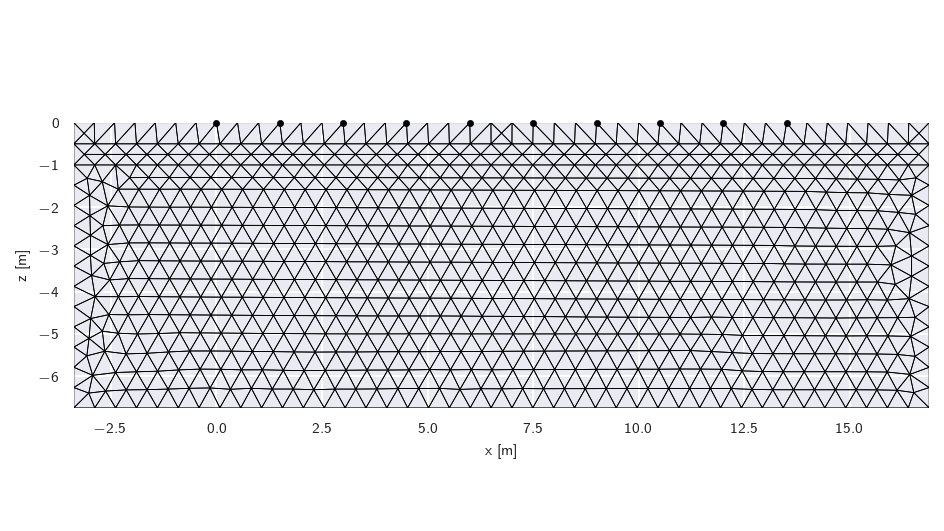
[[-3.375 -1.    11.   ]
 [-3.375 -0.5   11.   ]]
[[16.875 -0.5   11.   ]
 [16.875 -1.    11.   ]]
This grid was sorted using CutMcK. The nodes were resorted!
Triangular grid found
CRMod/CTRomo grid instance
number of elements: 1412
number of nodes: 762
number of electrodes: 10
mesh dimensions:
X: -3.375 16.875
Z: -6.75 0.0
Some notes on characteristic lengths
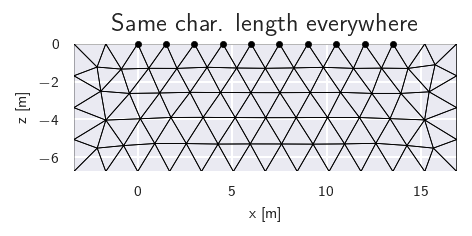
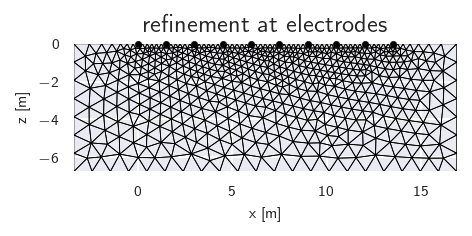
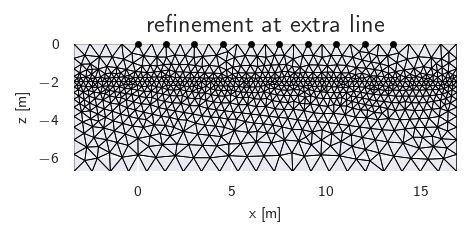
You have some control over the final mesh cell size during mesh generation using the char_lengths parameter. This parameter is either one float, or a list/tuple of 4 floats. If four values are provided, they determine the requested cell size at:
the electrodes
the boundaries
extra lines
extra nodes
Warning
Always make sure to at least put one node between adjacent electrodes. Better, two.
mesh = crtomo.crt_grid.create_surface_grid(
    nr_electrodes=10,
    spacing=1.5,
    char_lengths=[1.7, 1.7, 1.7, 1.7],
)
mesh.plot(
    title='Same char. length everywhere',
    figsize=(8 / 2.54, 4 / 2.54), dpi=150
)

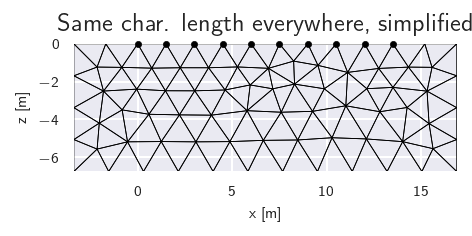
mesh = crtomo.crt_grid.create_surface_grid(
    nr_electrodes=10,
    spacing=1.5,
    char_lengths=2,
)
mesh.plot(
    title='Same char. length everywhere, simplified',
    figsize=(8 / 2.54, 4 / 2.54), dpi=150
)

mesh = crtomo.crt_grid.create_surface_grid(
    nr_electrodes=10,
    spacing=1.5,
    char_lengths=[0.25, 1, 1, 1],
)
mesh.plot(
    title='refinement at electrodes',
    figsize=(8 / 2.54, 4 / 2.54), dpi=150
)

mesh = crtomo.crt_grid.create_surface_grid(
    nr_electrodes=10,
    spacing=1.5,
    lines=[2],
    char_lengths=[1, 1, 0.25, 1],
)
print(mesh)
mesh.plot(
    title="refinement at extra line",
    figsize=(8 / 2.54, 4 / 2.54), dpi=150
)
This grid was sorted using CutMcK. The nodes were resorted!
Triangular grid found
This grid was sorted using CutMcK. The nodes were resorted!
Triangular grid found
This grid was sorted using CutMcK. The nodes were resorted!
Triangular grid found
[[-3.375 -2.    11.   ]]
[[16.875 -2.    11.   ]]
This grid was sorted using CutMcK. The nodes were resorted!
Triangular grid found
CRMod/CTRomo grid instance
number of elements: 1577
number of nodes: 826
number of electrodes: 10
mesh dimensions:
X: -3.375 16.875
Z: -6.75 0.0
Total running time of the script: (0 minutes 14.469 seconds)